
The lightweight SSH clientyour AI can safely use
A free SSH client. Claude Code and other AI tools can work on your servers, but never see your passwords or keys.
Version 0.1.3, released 2026-11-03.
- Systems
- Windows, macOS, LinuxmacOS: Apple silicon only
Linux: x64 - Installer
- 17.3 MBWindows installer
- Cold start
- About 0.3 sFrom double-click to window
Measured 268–324 ms on Windows - Built with
- RustOne process, UI on GPUI
- Install
- No admin rightsWindows: just for you
macOS, Linux: unpack and run
Why Termlet
- Your AI never sees passwordsAI tools get the output; passwords and keys stay in Termlet.
- Dangerous commands ask firstrm -rf, shutdown and the like run only after you approve.
- Only the hosts you allowOff by default, allowed host by host, every call logged.
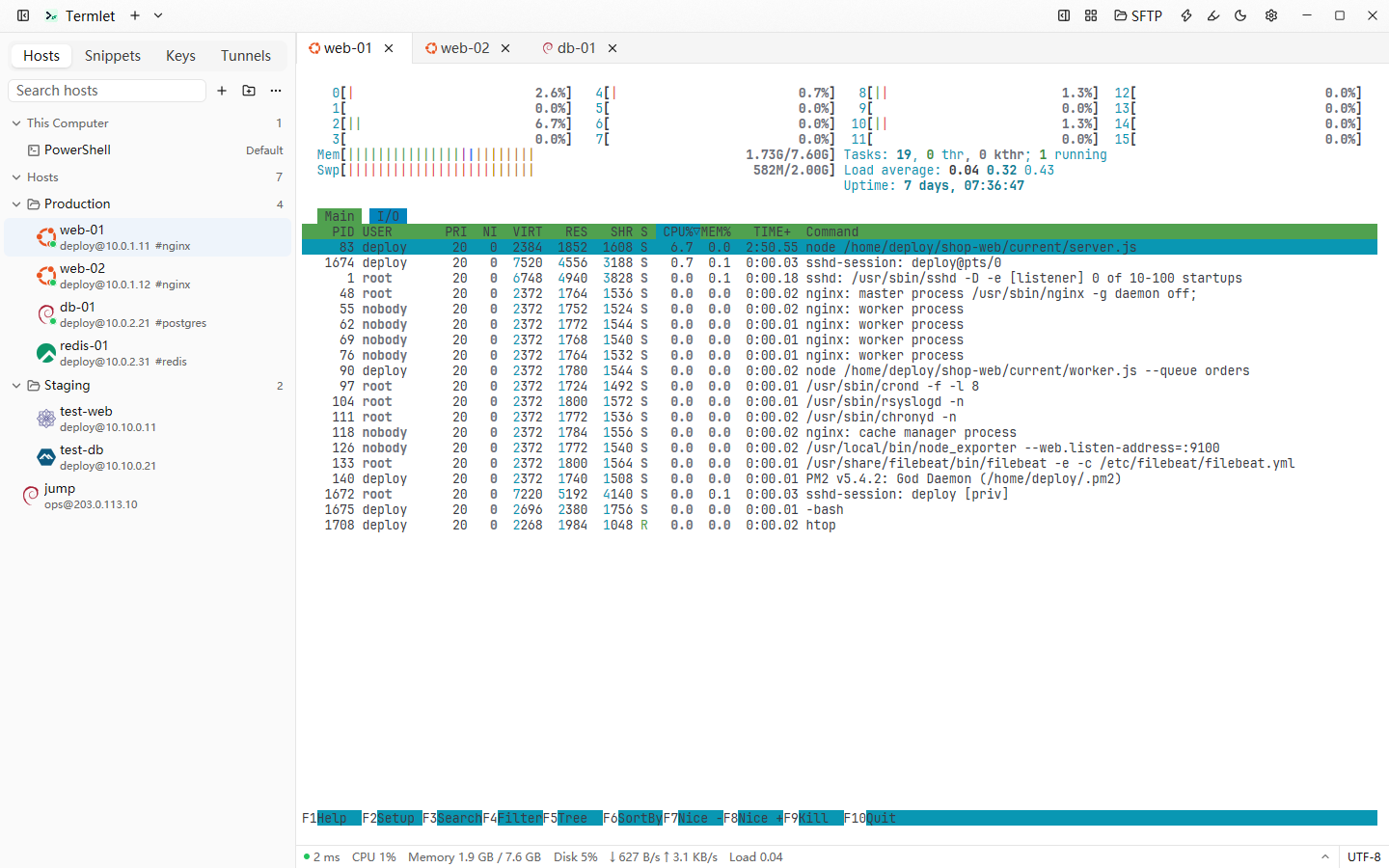
- Everything else you needSplit panes, two-pane SFTP, tunnels; import from Xshell and more.
Let AI work on your servers, safely
Turn on the command-line tool in Settings and run termlet skill install once; Claude Code then works through termlet instead of ssh.
Dangerous-command rules guard against mistakes; they can be bypassed and are not a security boundary, so give the command-line tool a low-privilege account.
termlet ls
| ID | NAME | ADDRESS | USER | PROTOCOL |
|---|---|---|---|---|
| h_3k9x2m4p8q1r7s5t | web-01 | 10.0.0.5:22 | deploy | ssh |
| h_7n2b5c8d1f4g6h9j | db-01 | 10.0.0.12:22 | ops | ssh |
termlet exec web-01 "systemctl is-active nginx"
active
termlet upload web-01 ./app.tar.gz /tmp/
Uploaded 12.4 MB → /tmp/app.tar.gz (1.8s)
termlet exec web-01 "sudo systemctl reboot"
# Termlet asks: the command-line tool wants to run a dangerous command on “web-01”
# You click “Deny”: nothing runs, exit code 4